Adobe Document Cloud (Acrobat & Acrobat Sign) vs AODocs
A standardized, audit-grade view of features, pricing, use cases, and operational fit across these two esignature platforms.
Parameters
2 solutions selected

Category
Adobe Document Cloud (Acrobat & Acrobat Sign)
AODocs
Use Cases
Adobe Document Cloud (Acrobat & Acrobat Sign)
AODocs
Overview
Adobe Document Cloud (Acrobat & Acrobat Sign)
Adobe Document Cloud provides PDF creation, editing, signing, sharing, and management tools for businesses of all sizes. The platform includes Acrobat AI Assistant for document insights, PDF Spaces for collaborative analysis, and Acrobat Sign for e-signatures. It serves small businesses through large enterprises with admin console management, security controls, and integrations with Microsoft 365, Salesforce, and Workday.
AODocs
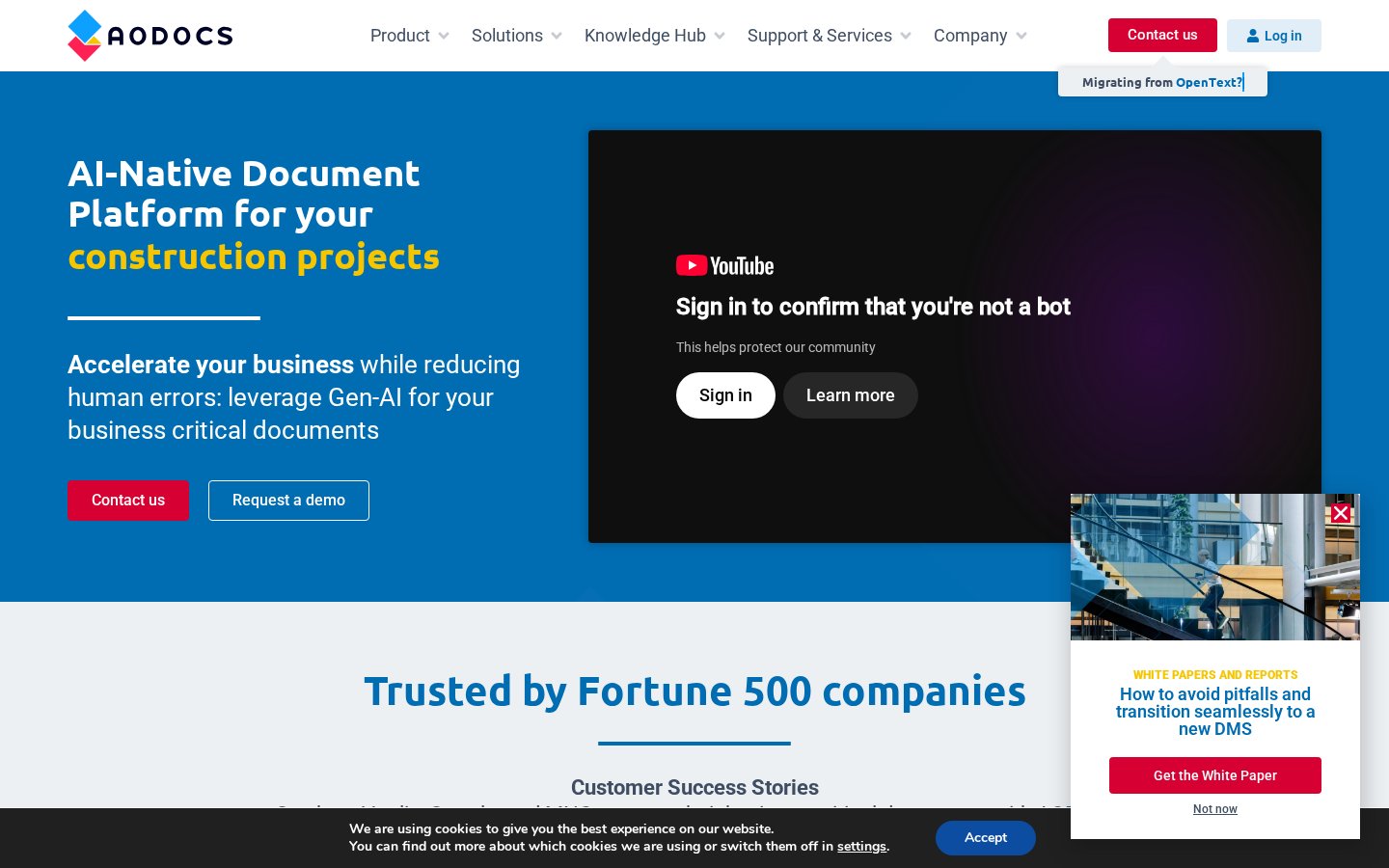
AODocs is an AI-native document management platform for business-critical documents, serving Fortune 500 companies across insurance, engineering, construction, manufacturing, healthcare and other regulated industries. It combines Gen-AI capabilities with process automation, metadata, versioning and validation workflows.
Tagline
Adobe Document Cloud (Acrobat & Acrobat Sign)
Solutions for businesses of all sizes.
AODocs
AI-Native Document Platform
Founded Year
Adobe Document Cloud (Acrobat & Acrobat Sign)
—
AODocs
—
HQ Locations
Adobe Document Cloud (Acrobat & Acrobat Sign)
—AODocs
—Funding Stage
Adobe Document Cloud (Acrobat & Acrobat Sign)
—
AODocs
—
Adobe Document Cloud (Acrobat & Acrobat Sign)
—AODocs
—Adobe Document Cloud (Acrobat & Acrobat Sign)
—AODocs
—Website
Adobe Document Cloud (Acrobat & Acrobat Sign)
https://www.adobe.com/documentcloud.htmlAODocs
https://www.aodocs.comFounders
Adobe Document Cloud (Acrobat & Acrobat Sign)
—
AODocs
—
Parameters
2 solutions selected
+ Add 3rd product
Overview
Company Details
01. Core Features
Acrobat AI Assistant
Delivers document insights, summaries, and verifiable citations.
PDF Spaces
Branded interactive documents with embedded AI assistants.
Acrobat Sign Solutions
Advanced e-signature with bulk sending and signer authentication.
Acrobat Pro
PDF and e-signature tools with advanced security features.
Acrobat Studio
Combines Pro with AI Assistant, PDF Spaces, and Express Premium.
Adobe Express Premium
Content creation with design tools and templates.
E-sign tools
Send documents for e-signature, including bulk to multiple signers.
PDF productivity tools
Create, edit, merge, split, and manage PDF documents.
Reliable AI
Extract, summarize, review and translate documents at scale with Gen-AI.
Categorize, Review & Extract with AI
Auto-categorize documents and extract fields like expiry dates, supplier names.
Automate your Processes
Configure workflows involving customers, partners and suppliers to reduce errors.
Get Trusted AI Answers
Ask questions and get concise AI answers grounded in your trusted content.
Control your Critical Documents
Configure validation workflows and change request processes for content control.
Manage your Document at Scale
Handle billions of documents via auto-scaling cloud infrastructure.
Secure your Documents
SOC2-certified platform with control over storage location and encryption keys.
Migrate Risk-free
Migrate from SharePoint, FileNet, Documentum with AI-assisted tagging tools.
02. Technical Specifications
03. Who is it for
04. Trust & Compliance
05. Pricing Details
Yes (7‑day)
Yes (demo/contact for details)
06. Media
Contracts
Popular comparisons in contracts
Harvey AI vs Lucio
Agents vs Lucio Assistant
August vs Harvey AI
Tabular Review vs Agents
DocuSign CLM vs Icertis Contract Intelligence
Create contracts with ease vs Engage
Harvey AI vs Lucio
Agents vs Lucio Assistant
Legal AIAugust vs Harvey AI
Tabular Review vs Agents
Legal AIDocuSign CLM vs Icertis Contract Intelligence
Create contracts with ease vs Engage
Contract Lifecycle Management (CLM)FAQs
Our matrices are built by mapping every platform against 1,150+ standardized operational and security benchmarks, including SOC 2 and ISO 27001, and verified data protection claims. Paid placement never influences capability checkmarks or comparison scores.
No. Sponsored listings are clearly labeled and kept separate from our comparison scores. No vendor can pay to improve its ratings, checkmarks, or ranking position.
Our comparison data is refreshed monthly, so you're always evaluating platforms against their current features, pricing, and security posture.
We use a combination of vendor questionnaires, public documentation, security certifications, and direct testing. Where sources conflict, our team reviews and resolves discrepancies before publishing a score.
Yes. Custom comparisons tailored to your firm's size, practice area, and budget can be requested from your user account.