Brightflag vs Legal Tracker by Thomson Reuters
A standardized, audit-grade view of features, pricing, use cases, and operational fit across these two outside counsel & spend management platforms.
Parameters
2 solutions selected


Category
Brightflag
Legal Tracker by Thomson Reuters
Use Cases
Brightflag
Legal Tracker by Thomson Reuters
Overview
Brightflag
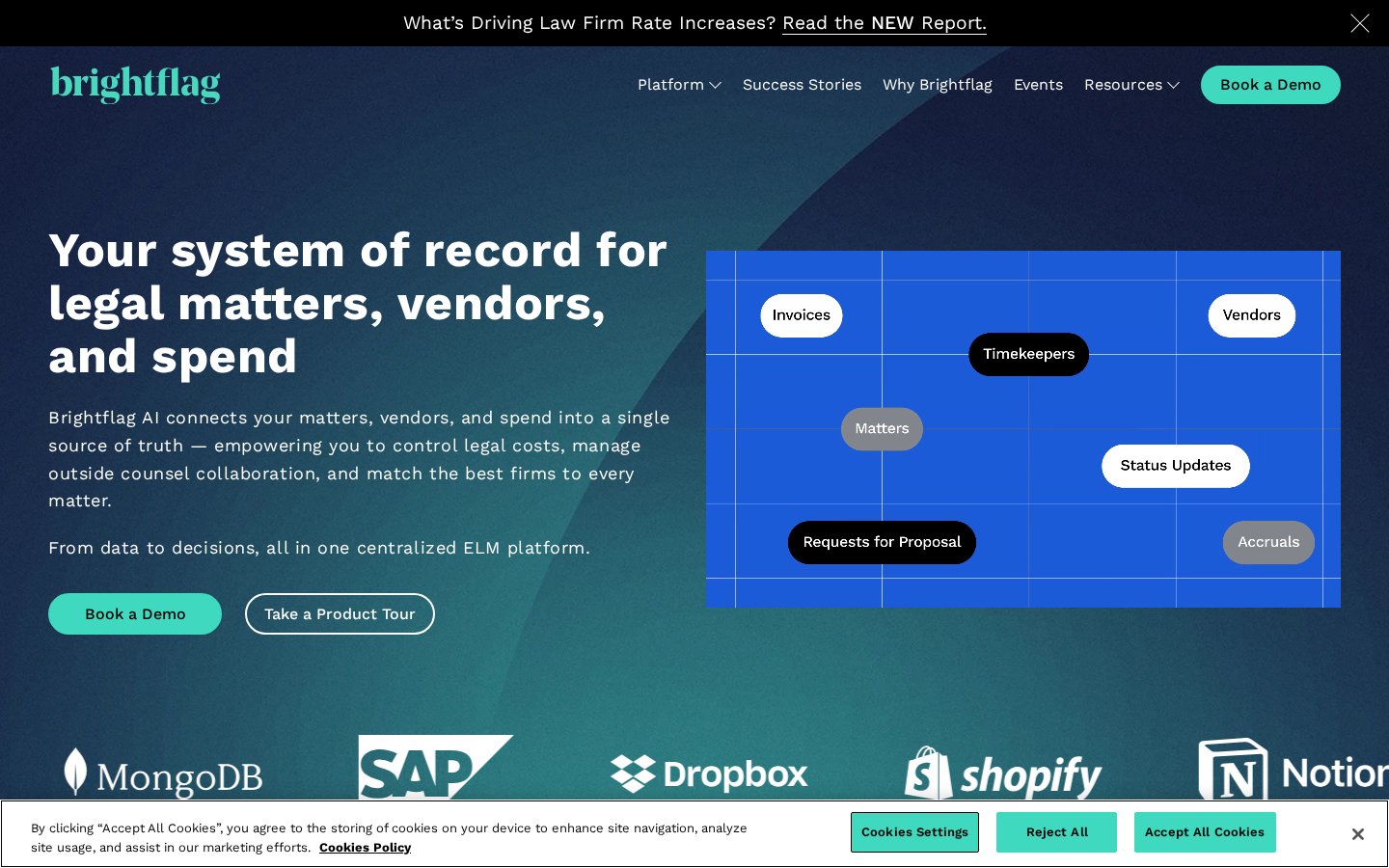
Brightflag is an AI-powered ELM platform that connects legal matters, outside counsel vendors and legal spend in one place. It covers e-billing with approval controls and budget management, matter management for collaborating with law firms, vendor management that uses AI-built profiles for panel selection and RFPs, and AI analysis of invoice data. It is aimed at in-house legal teams that want to control legal costs and manage outside counsel relationships.
Legal Tracker by Thomson Reuters
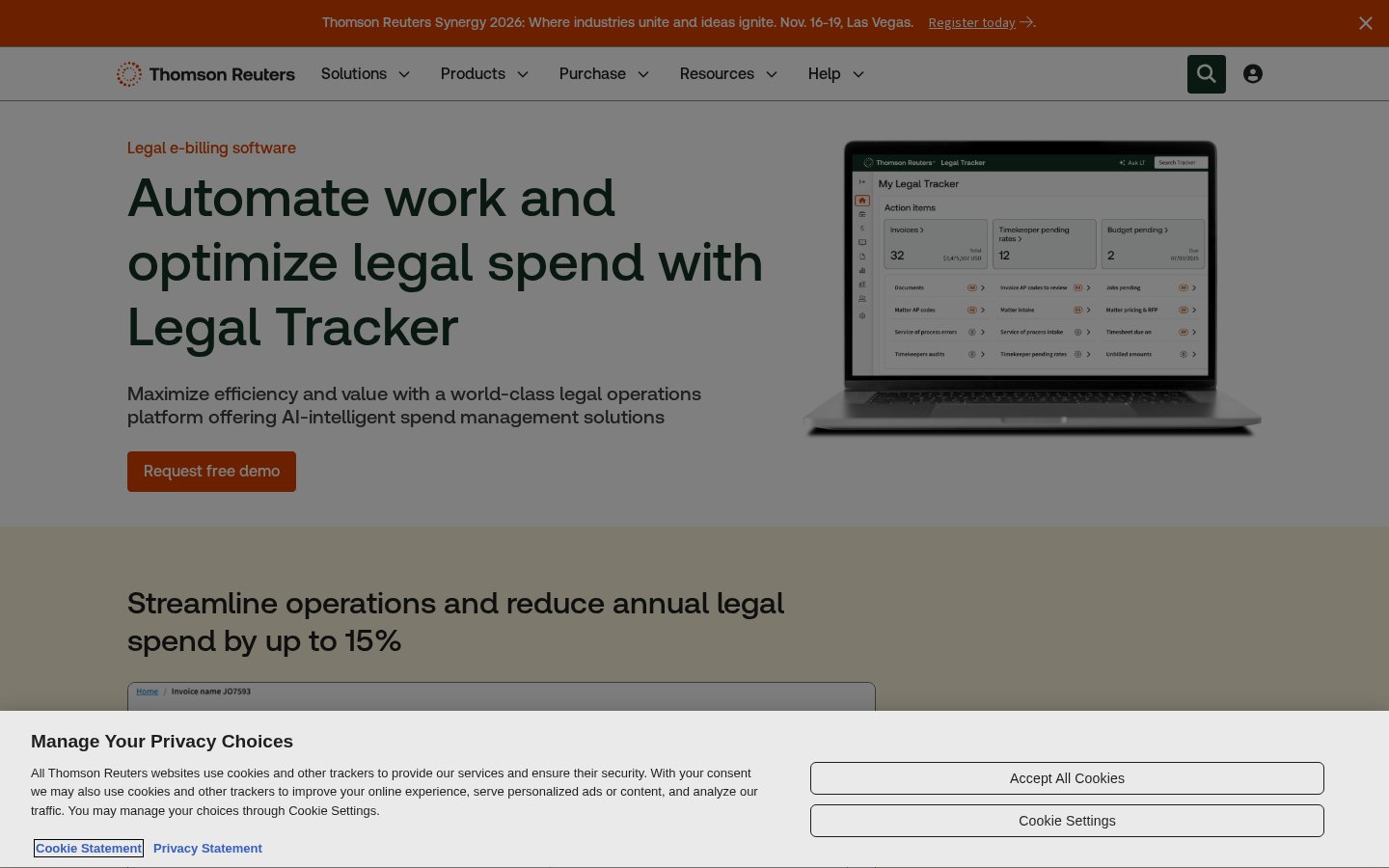
Legal Tracker by Thomson Reuters is legal e-billing and matter management software for corporate legal departments. It uses AI to review outside counsel invoices, flag billing anomalies and check compliance, and adds spend reporting, dashboards and benchmarking against a large library of corporate legal spend data. It is aimed at in-house legal teams that want to control outside legal spend and show their department's value, from small businesses to large enterprises.
Tagline
Brightflag
Your system of record for legal matters, vendors, and spend
Legal Tracker by Thomson Reuters
Automate work and optimize legal spend with Legal Tracker
Founded Year
Brightflag
—
Legal Tracker by Thomson Reuters
—
HQ Locations
Brightflag
—Legal Tracker by Thomson Reuters
—Funding Stage
Brightflag
—
Legal Tracker by Thomson Reuters
—
Brightflag
—Legal Tracker by Thomson Reuters
—Brightflag
—Legal Tracker by Thomson Reuters
—Website
Brightflag
https://brightflag.comLegal Tracker by Thomson Reuters
https://legal.thomsonreuters.com/en/products/legal-trackerFounders
Brightflag
—
Legal Tracker by Thomson Reuters
—
Parameters
2 solutions selected
+ Add 3rd product
Overview
Company Details
01. Core Features
e-Billing
Governed e-billing with approvals, audit trails and budget management.
Matter Management
Matter details, progress visibility and outside counsel collaboration.
Vendor Management
AI vendor profiles for panel management and RFPs.
Governed AI
Invoice-line analysis for spend, resourcing and performance insights.
AI-powered e-billing
AI invoice review flags anomalies and checks compliance.
Financial reports and dashboards
Ask questions to review, measure and predict legal spend.
Matter management
Manage legal matters alongside spend and invoices.
Benchmarking
Matter, firm and rate benchmarks from corporate spend data.
Legal Tracker Advanced
Deeper cost analysis to support rate and fee negotiations.
02. Technical Specifications
03. Who is it for
04. Trust & Compliance
05. Pricing Details
06. Media
Contracts
Popular comparisons in contracts
Harvey AI vs Legora
Agents vs Legora aOS
Harvey AI vs Lucio
Agents vs Lucio Assistant
DocuSign CLM vs Icertis Contract Intelligence
Dynamic templates vs Engage
Harvey AI vs Legora
Agents vs Legora aOS
Legal AIHarvey AI vs Lucio
Agents vs Lucio Assistant
Legal AIDocuSign CLM vs Icertis Contract Intelligence
Dynamic templates vs Engage
Contract Lifecycle Management (CLM)FAQs
Our matrices are built by mapping every platform against 1,150+ standardized operational and security benchmarks, including SOC 2 and ISO 27001, and verified data protection claims. Paid placement never influences capability checkmarks or comparison scores.
No. Sponsored listings are clearly labeled and kept separate from our comparison scores. No vendor can pay to improve its ratings, checkmarks, or ranking position.
Our comparison data is refreshed monthly, so you're always evaluating platforms against their current features, pricing, and security posture.
We use a combination of vendor questionnaires, public documentation, security certifications, and direct testing. Where sources conflict, our team reviews and resolves discrepancies before publishing a score.
Yes. Custom comparisons tailored to your firm's size, practice area, and budget can be requested from your user account.