CoCounsel Legal vs StrongSuit
A standardized, audit-grade view of features, pricing, use cases, and operational fit across these two legal ai platforms.
Parameters
2 solutions selected


Category
CoCounsel Legal
StrongSuit
Use Cases
CoCounsel Legal
StrongSuit
Overview
CoCounsel Legal
CoCounsel Legal is a generative and agentic AI assistant from Thomson Reuters that handles research, analysis, and drafting from a single plain-language query. It reasons step by step and delivers cited work product grounded in Westlaw primary law, Practical Law guidance, and a firm's own documents.
StrongSuit
StrongSuit is a legal AI platform for litigators, offering AI legal research, document drafting, and contract review. It serves law firms and in-house legal teams with retrieval-grounded outputs and inline citations.
Tagline
CoCounsel Legal
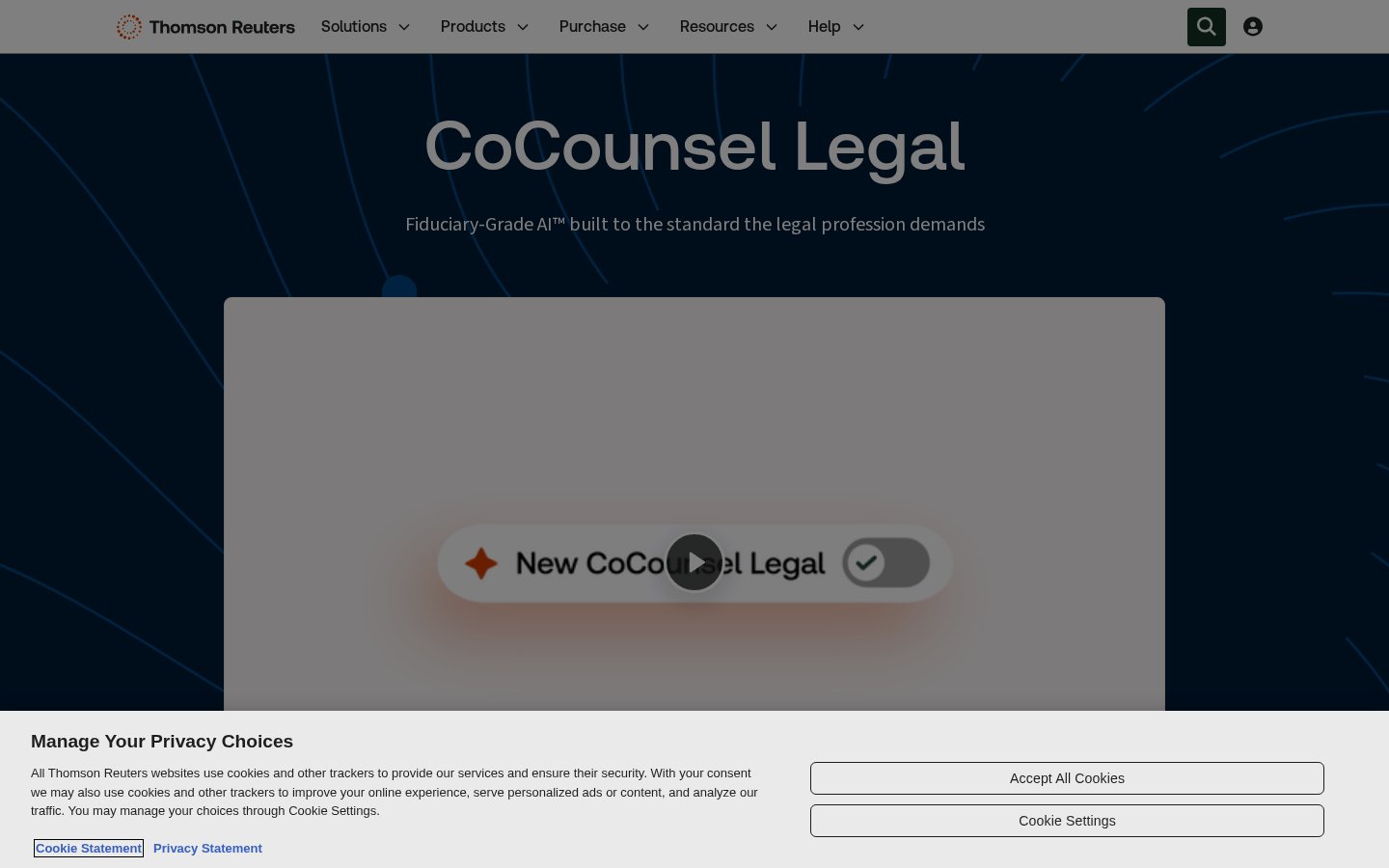
Fiduciary-Grade AI built to the standard the legal profession demands
StrongSuit
The Most Advanced Legal AI Platform
Founded Year
CoCounsel Legal
—
StrongSuit
—
HQ Locations
CoCounsel Legal
—StrongSuit
Funding Stage
CoCounsel Legal
Public
StrongSuit
—
CoCounsel Legal
—StrongSuit
—CoCounsel Legal
—StrongSuit
—Website
CoCounsel Legal
https://legal.thomsonreuters.com/en/products/cocounselStrongSuit
https://strongsuit.com/Founders
CoCounsel Legal
—
StrongSuit
—
Parameters
2 solutions selected
+ Add 3rd product
Overview
Company Details
01. Core Features
Workspaces
Centralizes documents, templates, conversations, and matter history in one place.
Westlaw Brief Builder
Builds litigation briefs grounded in Westlaw and Practical Law authority.
Tabular Analysis
Reviews up to 10,000 documents against 100 questions in one table.
Deep Research
Westlaw-grounded research tool built for real casework.
Litigation Document Analyzer
Analyzes litigation documents grounded in trusted Westlaw content.
AI Legal Research
Answers legal questions with cited authorities and memo drafting.
Powerful, Versatile Assistant
Summarizes, critiques documents and drafts from templates.
Discovery & Timelines
Creates timelines, statement of facts, document review.
Word Add-in
Drafts contracts and redlines directly inside Microsoft Word.
02. Technical Specifications
03. Who is it for
04. Trust & Compliance
05. Pricing Details
Yes (trial available)
Yes (7-day trial available)
06. Media
07. Recent movements
Recent movements
What CoCounsel Legal and StrongSuit have been up to
Launches, partnerships, funding and other news about these products from the last 6 months, by DreamLegal Research.
Contracts
Popular comparisons in contracts
Harvey AI vs Lucio
Agents vs Lucio Assistant
August vs Harvey AI
Tabular Review vs Agents
DocuSign CLM vs Icertis Contract Intelligence
Create contracts with ease vs Engage
Harvey AI vs Lucio
Agents vs Lucio Assistant
Legal AIAugust vs Harvey AI
Tabular Review vs Agents
Legal AIDocuSign CLM vs Icertis Contract Intelligence
Create contracts with ease vs Engage
Contract Lifecycle Management (CLM)FAQs
Our matrices are built by mapping every platform against 1,150+ standardized operational and security benchmarks, including SOC 2 and ISO 27001, and verified data protection claims. Paid placement never influences capability checkmarks or comparison scores.
No. Sponsored listings are clearly labeled and kept separate from our comparison scores. No vendor can pay to improve its ratings, checkmarks, or ranking position.
Our comparison data is refreshed monthly, so you're always evaluating platforms against their current features, pricing, and security posture.
We use a combination of vendor questionnaires, public documentation, security certifications, and direct testing. Where sources conflict, our team reviews and resolves discrepancies before publishing a score.
Yes. Custom comparisons tailored to your firm's size, practice area, and budget can be requested from your user account.